
Launch agents in the background and supervise them as they work.
One lane per task
Every lane is its own git worktree — its own branch, files, and sessions. That isolation is the whole game: two agents in two lanes can’t touch each other’s working tree, so they run in parallel without stashing, rebasing, or fighting over the same files.1
Split the work
Turn a large goal into small, independent, lane-sized tasks.
2
Create one lane per task
Name lanes after the outcome, not the agent.
3
Start one chat per lane
Keep each prompt scoped to that lane’s goal.
4
Watch Work and Graph
Use Work for live sessions and Graph for branch relationships and merge risk.
5
Review independently
Inspect each diff, run tests, and open PRs separately.
Good task splits
A clean split has slices that touch different files and can be reviewed on their own.Watch for collisions
Parallel agents stay safe as long as their work doesn’t overlap. Most collisions come from scope creep, not from the tool.- Don’t send two agents into the same lane for unrelated work.
- Avoid broad prompts that invite repo-wide edits — keep each agent narrow.
- Use child lanes when one task genuinely depends on another, rather than racing them.
- Merge parent work before rebasing children when possible.
- Use History to see exactly what each session changed.
Grid vs. separate lanes
Both run agents in parallel, but they answer different questions.Grid view
Same task, several models — race a narrow, well-specified change and keep the best diff. Each tile is a full chat.
Separate lanes
Different tasks — give each its own worktree so broad, multi-step work never competes for the same files.
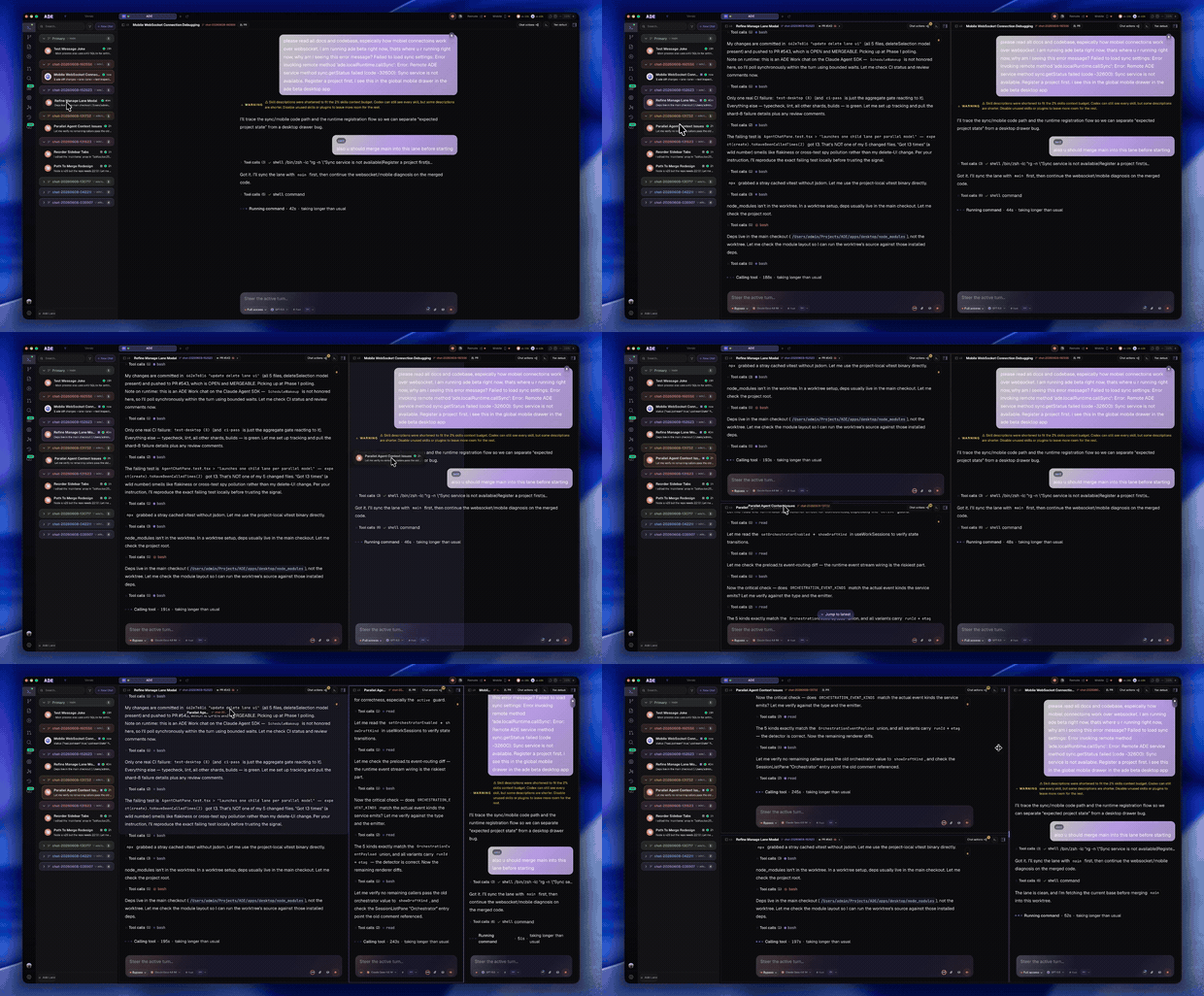
Grid view tiles several agents side by side — best for comparing attempts at one task.
Grid & multi-model
Run several agents at once and compare side by side.
Lanes overview
Isolate each task in its own worktree.