
Start the chat
1
Start a new chat
In Work, open a new chat. You can pick an existing lane or let ADE create one for the task.
2
Pick a provider and model
Use the default, or choose any verified provider — Claude Code, Codex, Cursor, Factory Droid, or OpenCode — from the model selector.
3
Send a narrow task
Ask for one contained change. Skip broad prompts like “clean up the whole app” for your first run.
4
Watch tool calls
The transcript streams reads, edits, shell commands, and test output as the agent works.
5
Review the diff
Open Files, inspect every changed file, run tests if needed, then commit.
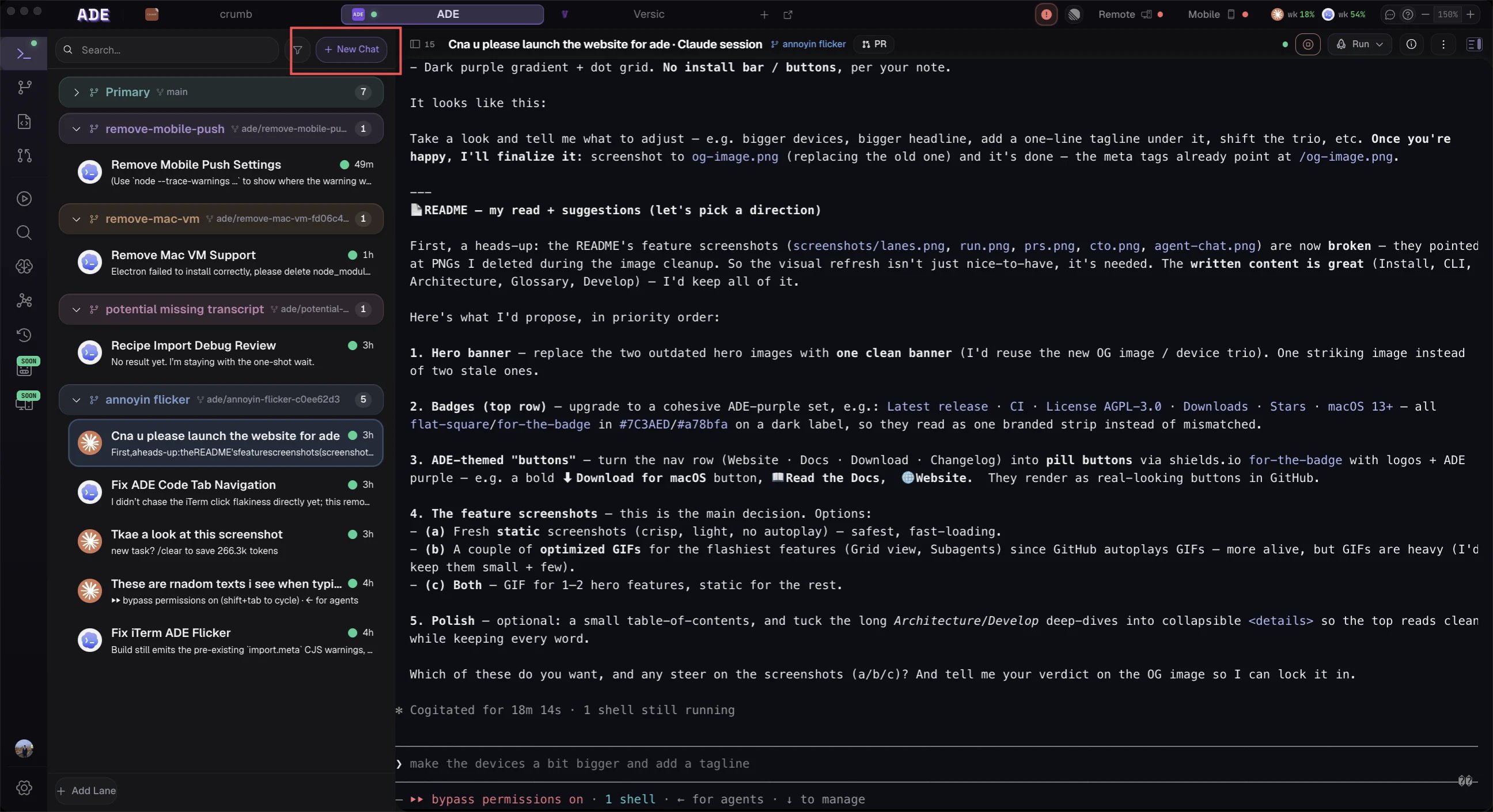
Start a new chat
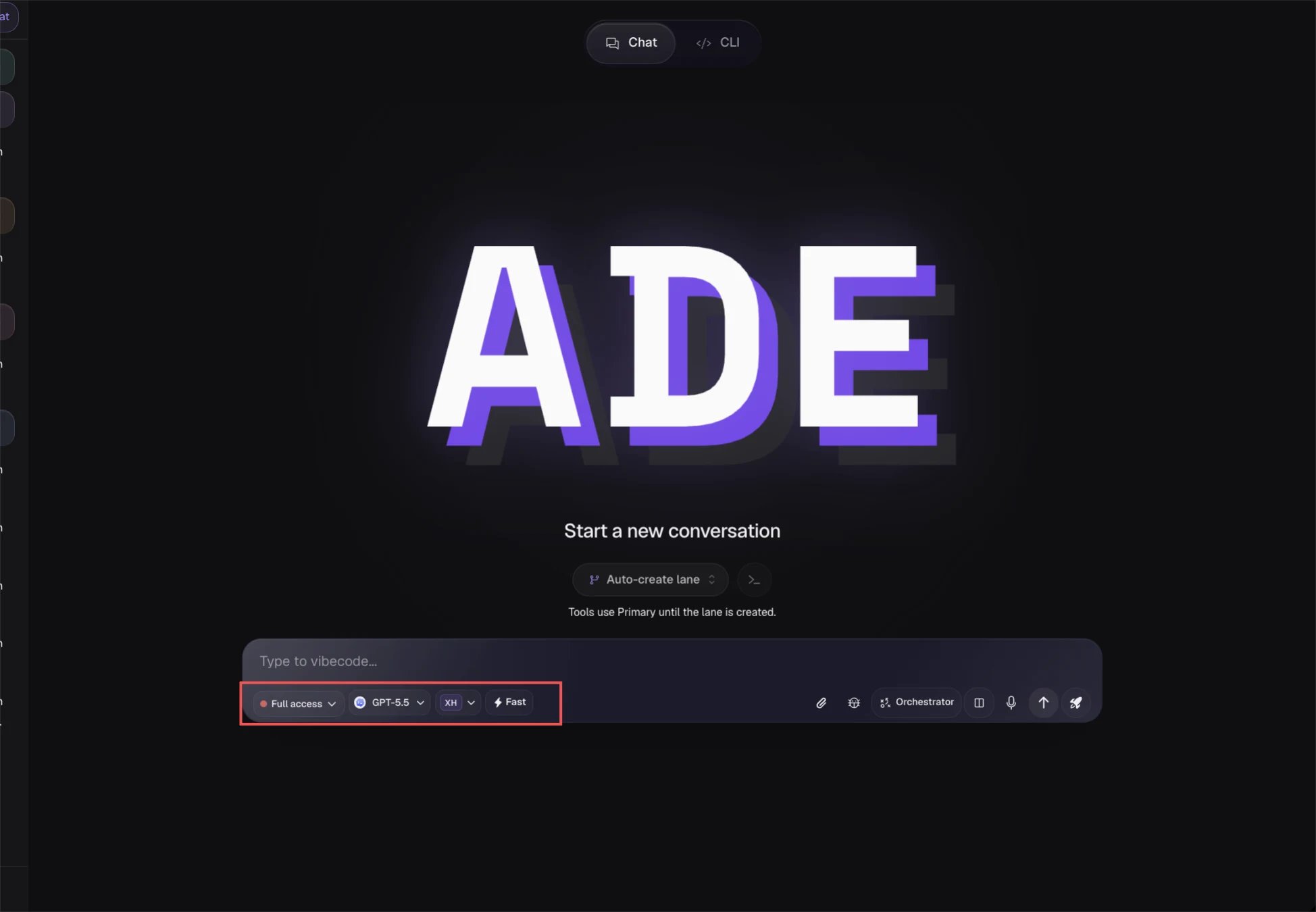
Pick a provider and model
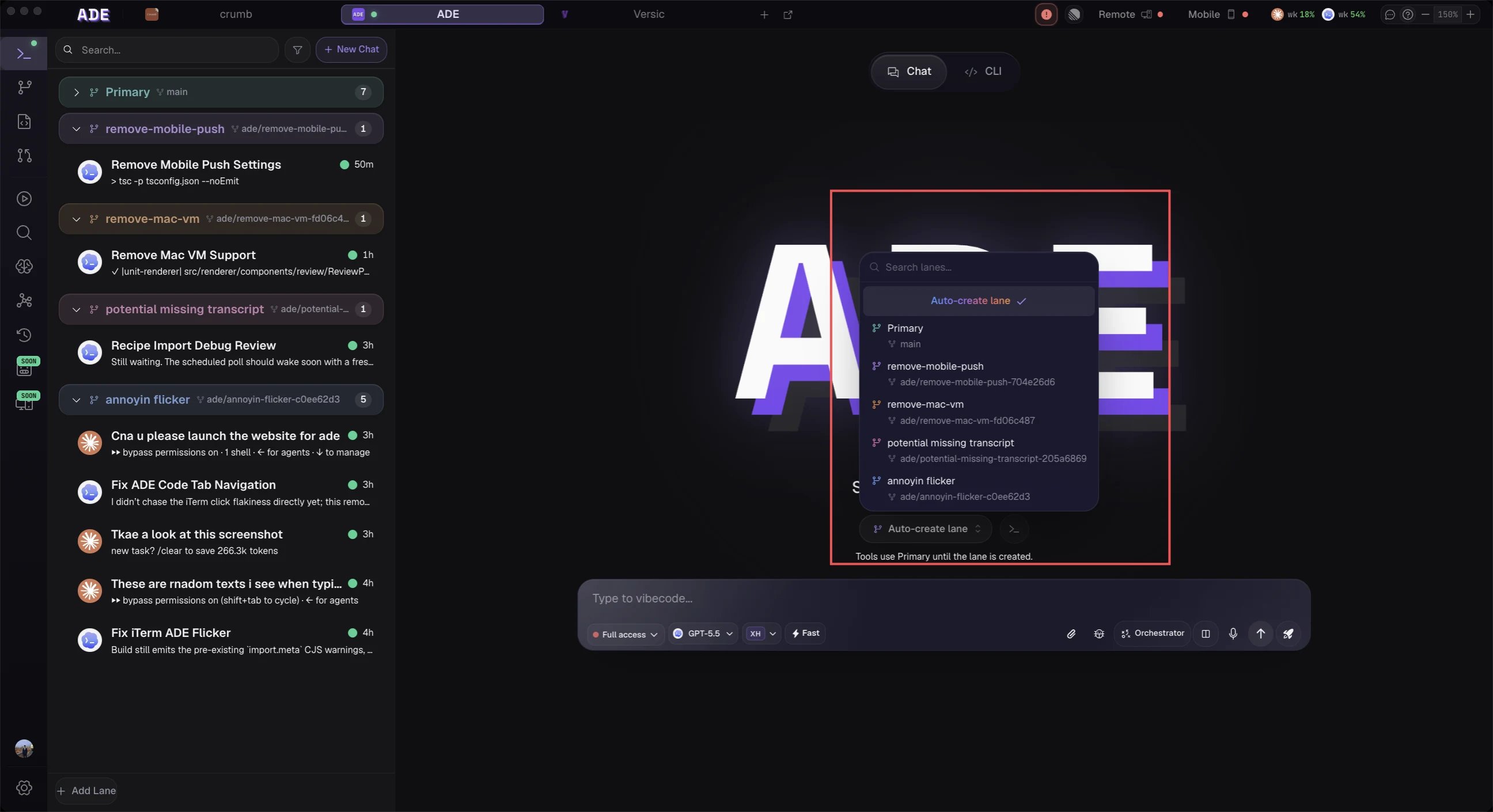
Run it in a lane — choose one or let ADE create it
First prompt
If the agent gets stuck
Unstick a run
Unstick a run
- Press Stop and ask for a shorter plan.
- Paste the exact test or build error back into the chat.
- Switch to a stronger model for the session.
- Keep the task inside the lane — don’t move it to your primary checkout.
Next
Agent chat
How chats, providers, and tool calls work.
Pull requests
Open a PR once the lane is ready.